Activity Indicator
The activity indicator is a status bar located below the studies list that keeps you informed about what Cygnus is currently doing. It displays transient messages about application operations and includes an animated progress ring during active operations.
Location
The activity indicator sits at the bottom of the studies panel on the left side of the window, directly below the studies list.
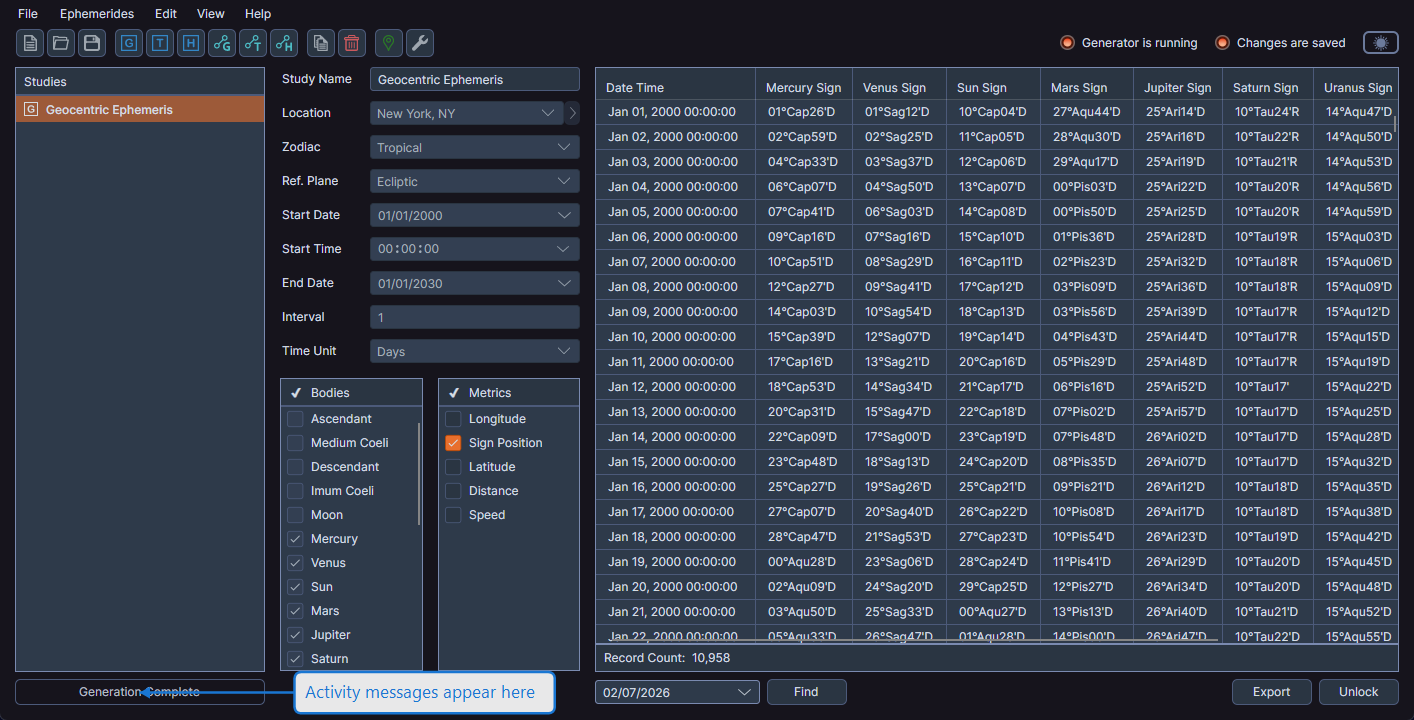
Messages
The activity indicator displays messages such as:
- Saving Workspace -- While the workspace is being saved to disk
- Load Complete -- After a workspace file has been loaded
- Generation Started -- When ephemeris generation begins
- Generation Complete -- When generation finishes
- Study Copied -- After a study has been duplicated
An animated progress ring appears on the right side of the status bar during active operations and disappears when the operation completes.
info
The activity indicator is read-only and does not require any user interaction. Messages appear and fade automatically as operations complete.