Open Recent File
Quickly return to a workspace you recently worked on without navigating through directories.
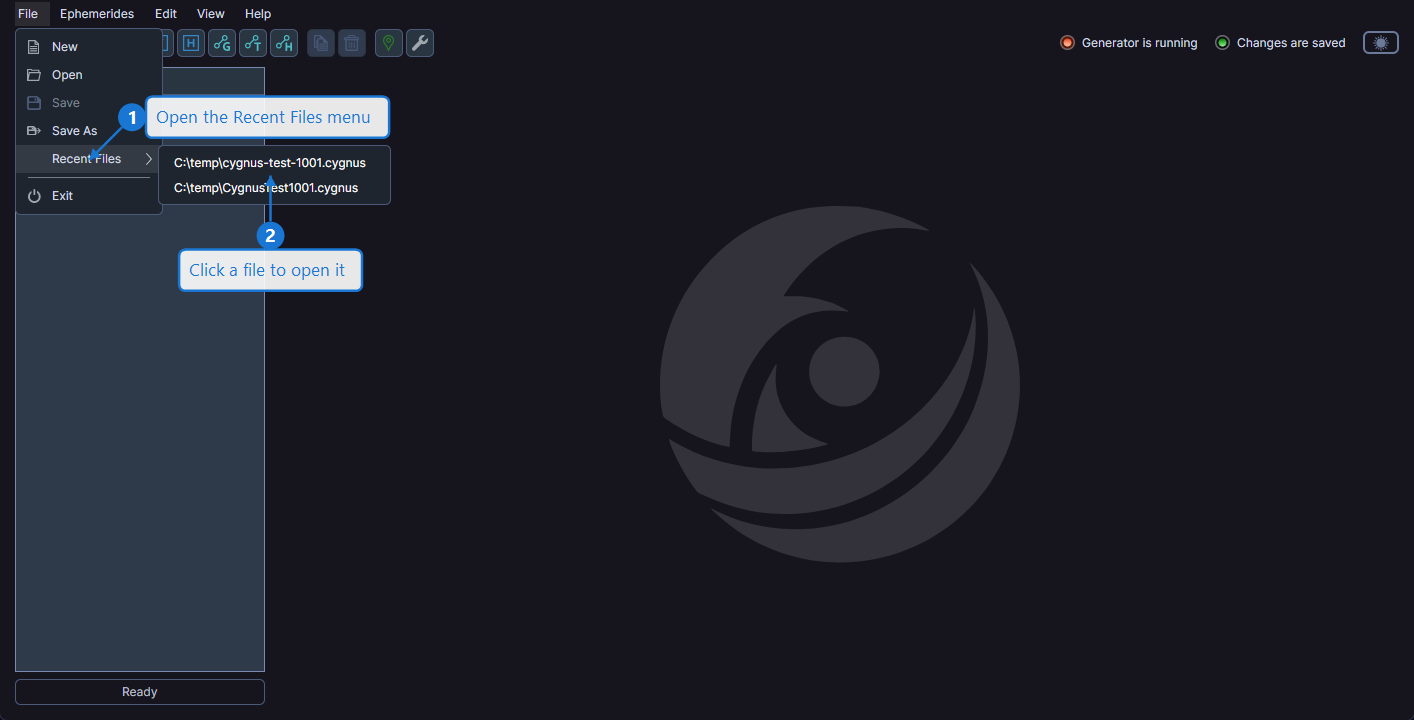
How to Open a Recent File
- Select File > Recent Files from the menu
- Click on the desired file path from the submenu list
File Not Found
If a file listed in the recent files menu no longer exists at its saved location, Cygnus removes the entry from the list and notifies you that the file could not be found.
Unsaved Changes
As with opening any workspace, if your current workspace has unsaved changes, Cygnus prompts you to save before proceeding.