Create New Workspace
Start a fresh workspace when you want to begin a new set of ephemeris studies without any leftover data from a previous session.
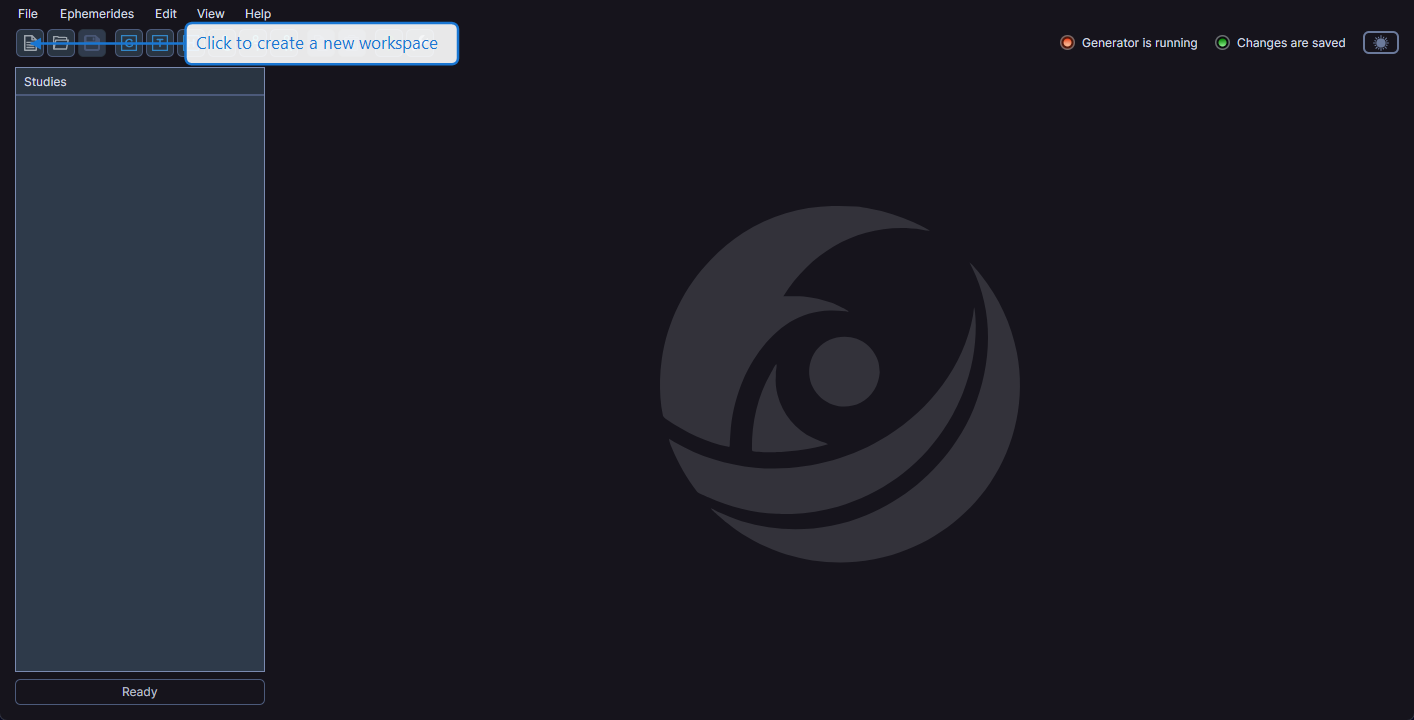
How to Create a New Workspace
You can create a new workspace in any of these ways:
- Click the New button on the toolbar
- Select File > New from the menu
- Press Ctrl+N (Windows) or Cmd+N (macOS)
Unsaved Changes
If your current workspace has unsaved changes, Cygnus prompts you to save before creating the new workspace. You can:
- Save your current work before proceeding
- Discard the unsaved changes and create the new workspace
- Cancel to return to your current workspace without changes
tip
Save your current workspace before starting a new one to ensure you do not lose any generated ephemeris data.
What Happens
When you create a new workspace:
- All existing studies are removed
- The workspace name resets to "Untitled"
- The window title updates to reflect the new workspace name