Unlock Study
After a study has finished generating records, it is locked to prevent accidental parameter changes. Unlock the study to return to the configuration phase and modify parameters.
How to Unlock
Click the Unlock button at the bottom-right of the study view.
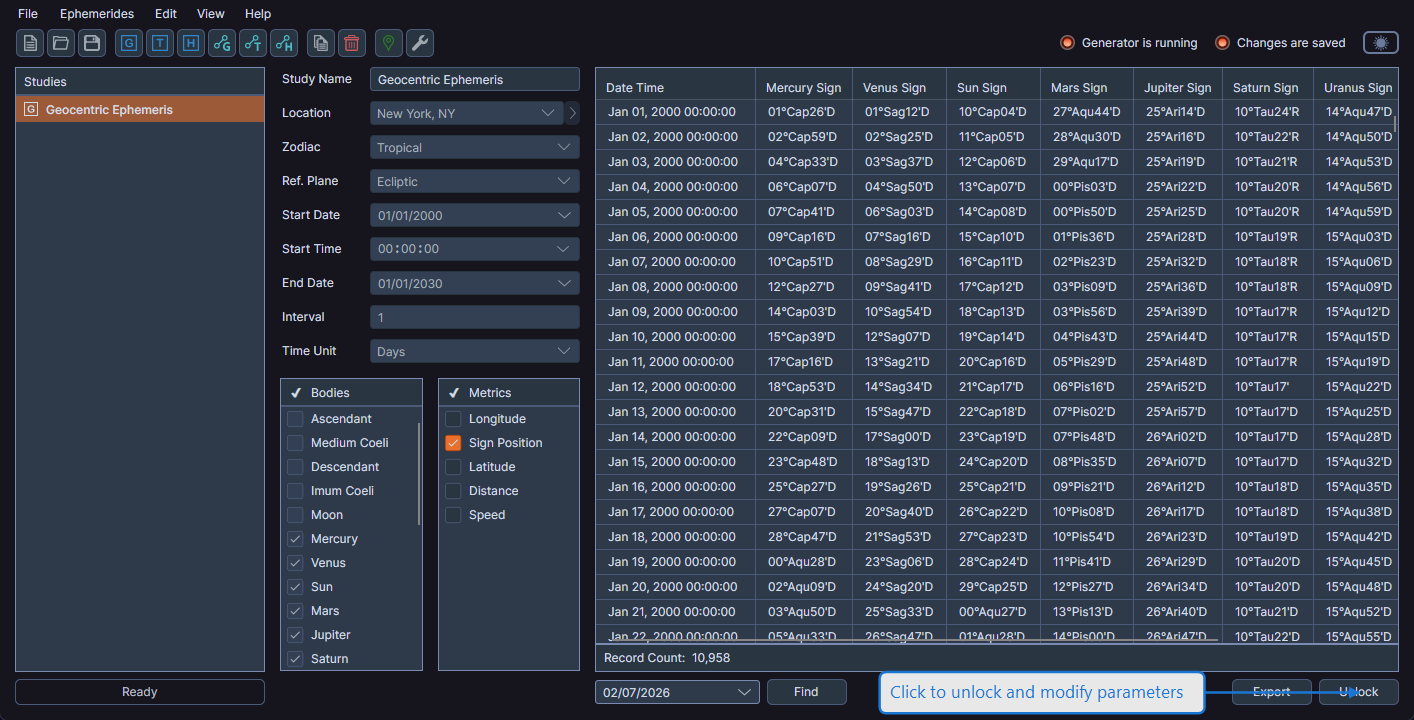
A confirmation dialog warns: "The records for the study will be deleted when the study is unlocked."
- Click Yes to confirm -- all generated records are deleted and the study returns to configuration mode
- Click No to cancel -- the study remains locked with its data intact
After Unlocking
When you unlock a study:
- All generated records are deleted from the data grid
- All parameter controls become editable again
- The Run button becomes visible, ready for a new generation
- The Find date picker, Export button, and record count disappear
warning
Unlocking a study permanently deletes all generated records. If you need to preserve the data, save the workspace or export the records to CSV before unlocking.