Cancel Ephemeris Generation
Stop an in-progress ephemeris generation if the parameters were incorrect or the generation is taking too long.
How to Cancel
Click the Cancel button that appears alongside the progress indicator while generation is in progress.
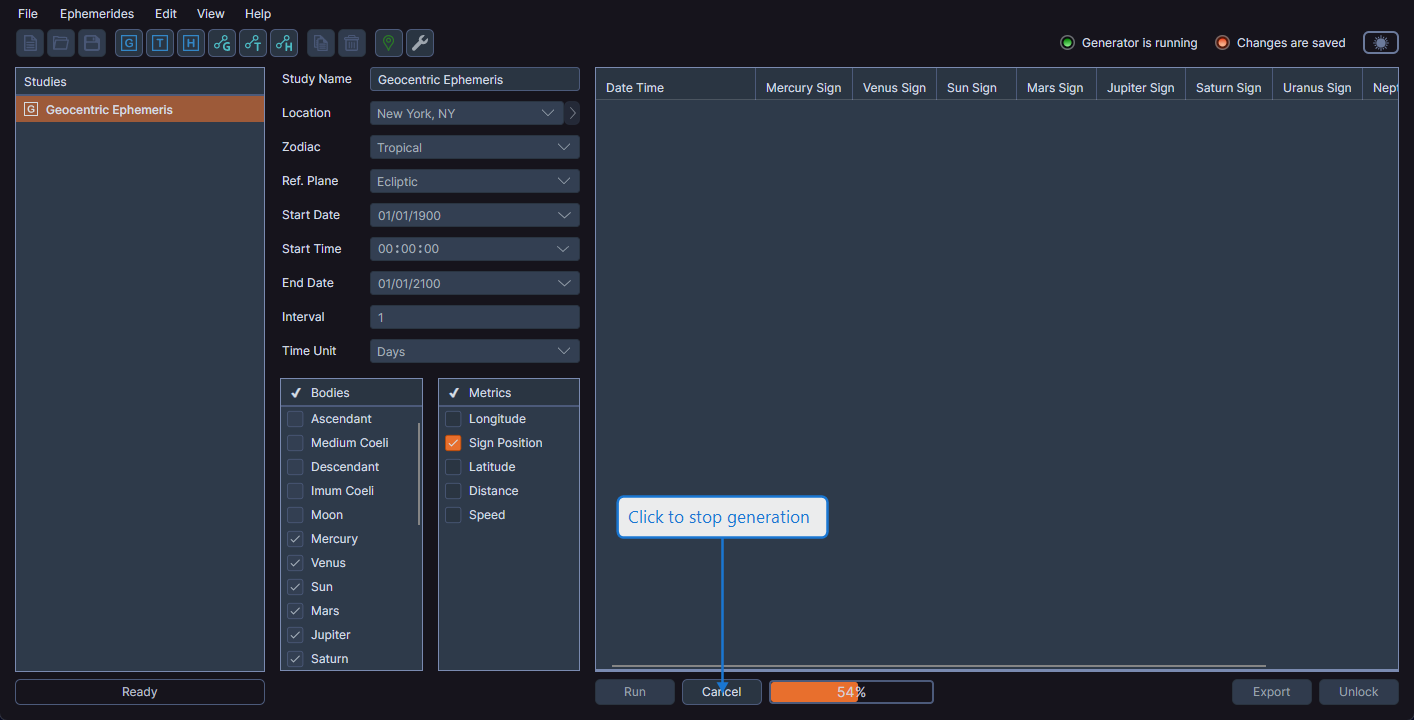
What Happens After Canceling
When you cancel generation:
- The operation stops at the next checkpoint
- The study is left in an unlocked state
- The Run button becomes visible again
- All parameter controls are available for editing
- No partial results are retained in the data grid
tip
If a generation is taking longer than expected, consider canceling and adjusting your parameters. Reducing the date range or increasing the interval produces fewer records and completes faster.