Aspect Metric Selection
In aspect ephemeris studies, you can select which angular relationship metrics appear for each body pair in the generated results. These metrics complement the standard body position metrics.
Accessing Aspect Metrics
Aspect metrics are available only in aspect ephemeris studies (Geocentric Aspect, Topocentric Aspect, and Heliocentric Aspect). To configure them:
- Open an aspect ephemeris study
- Switch to the Body & Aspect Metrics tab
- Use the Aspect Metrics list on the right side
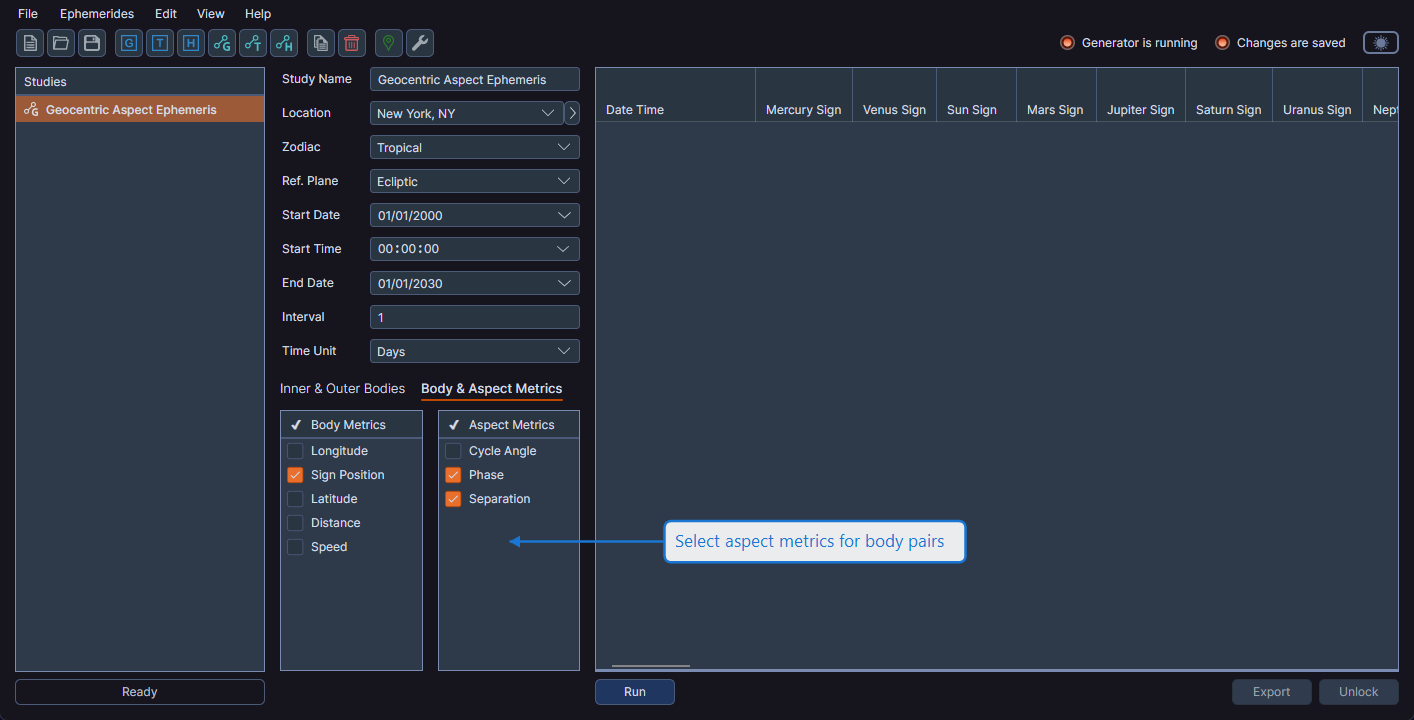
Selecting and Deselecting
Right-click on any row in the Aspect Metrics list to open a context menu with options to select or deselect highlighted metrics.
Available Aspect Metrics
Aspect metrics describe the angular relationship between each pair of inner and outer bodies. The generated data grid includes aspect columns for every combination of selected inner and outer bodies.
Like body metrics, selecting or deselecting aspect metrics before generation controls which columns are initially visible. All aspect metrics are calculated regardless of selection. You can toggle column visibility after generation using the column visibility toggle.