Record Count Statistics
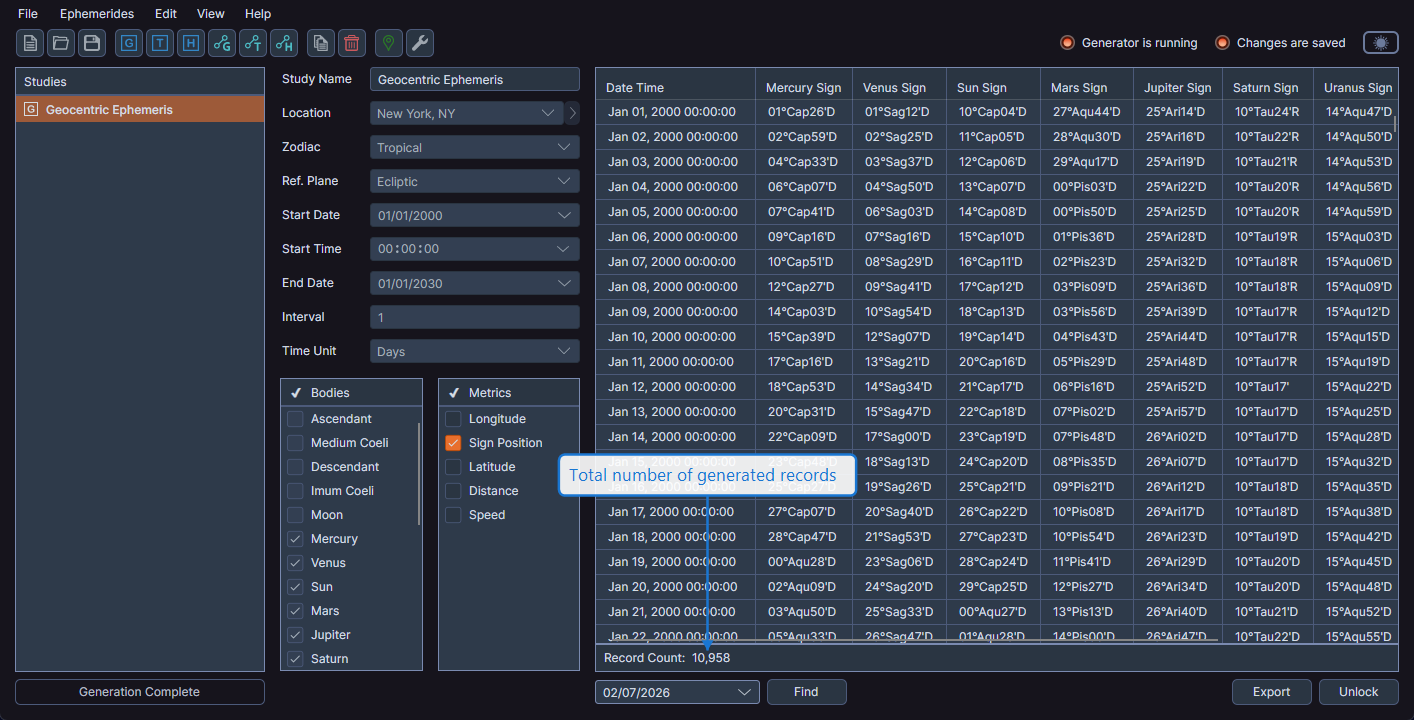
After generating an ephemeris, the record count appears in a statistics bar between the data grid and the action buttons. This helps you verify that the date range and interval produced the expected number of records.
Location
The record count displays in the statistics bar below the data grid, formatted with thousand separators for readability (e.g., "1,234" records).
Visibility
The record count is visible only after a study has completed generation. It disappears when the study is unlocked.
tip
If the record count is much higher or lower than expected, consider reviewing your date range and interval settings. You can unlock the study to adjust parameters and regenerate.