Light/Dark Theme
Cygnus supports both Light and Dark visual themes. Select the theme that is most comfortable for your environment and personal preference.
How to Switch Themes
You can switch themes in either of these ways:
- Use the theme toggle switch in the upper-right corner of the toolbar
- Select View > Toggle Theme from the menu
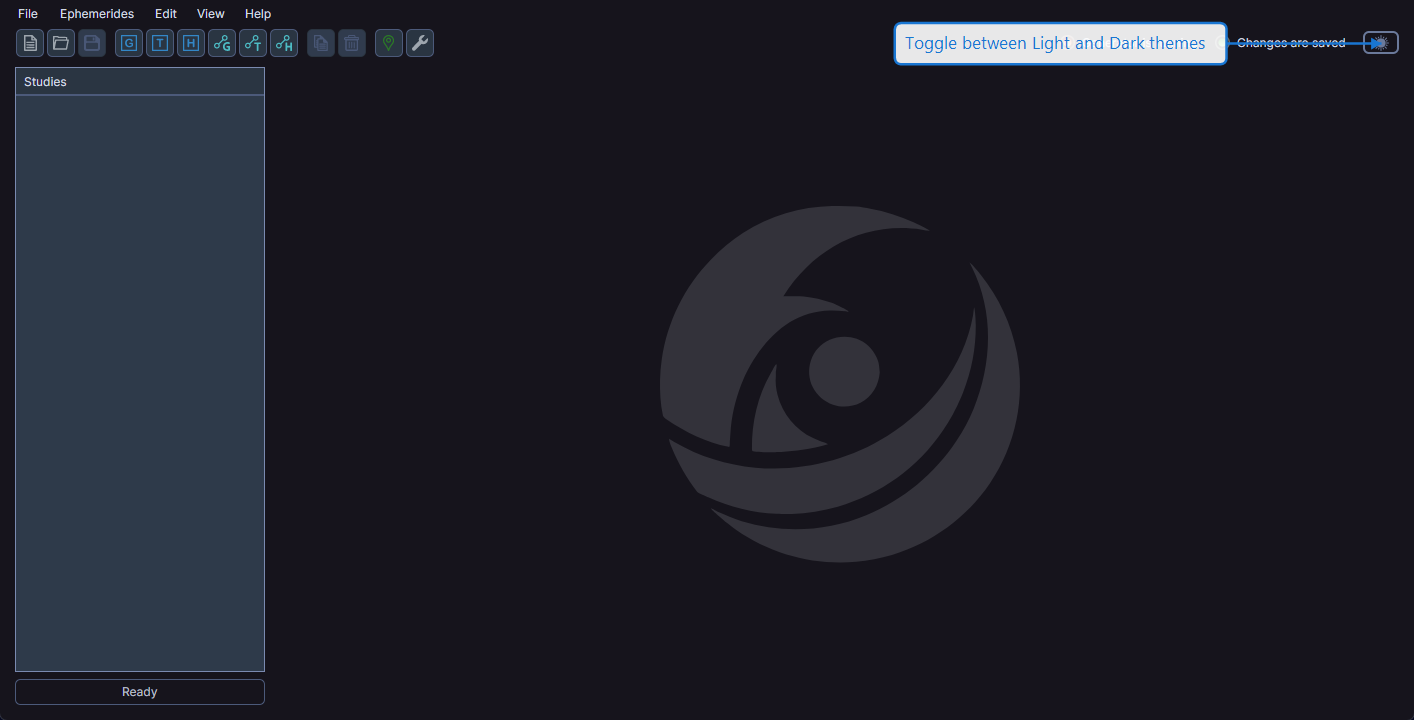
The theme changes immediately and the preference is saved automatically. Your theme choice persists across sessions.
tip
The Dark theme can reduce eye strain when working in low-light environments. The Light theme offers better contrast in bright conditions.