Locations Editor
The Locations Editor manages the database of geographic locations available for selection in your studies. Add, edit, or remove locations to maintain a personalized list of places for your calculations.
Opening the Locations Editor
You can open the Locations Editor in either of these ways:
- Click the Locations button on the toolbar
- Select Edit > Locations from the menu
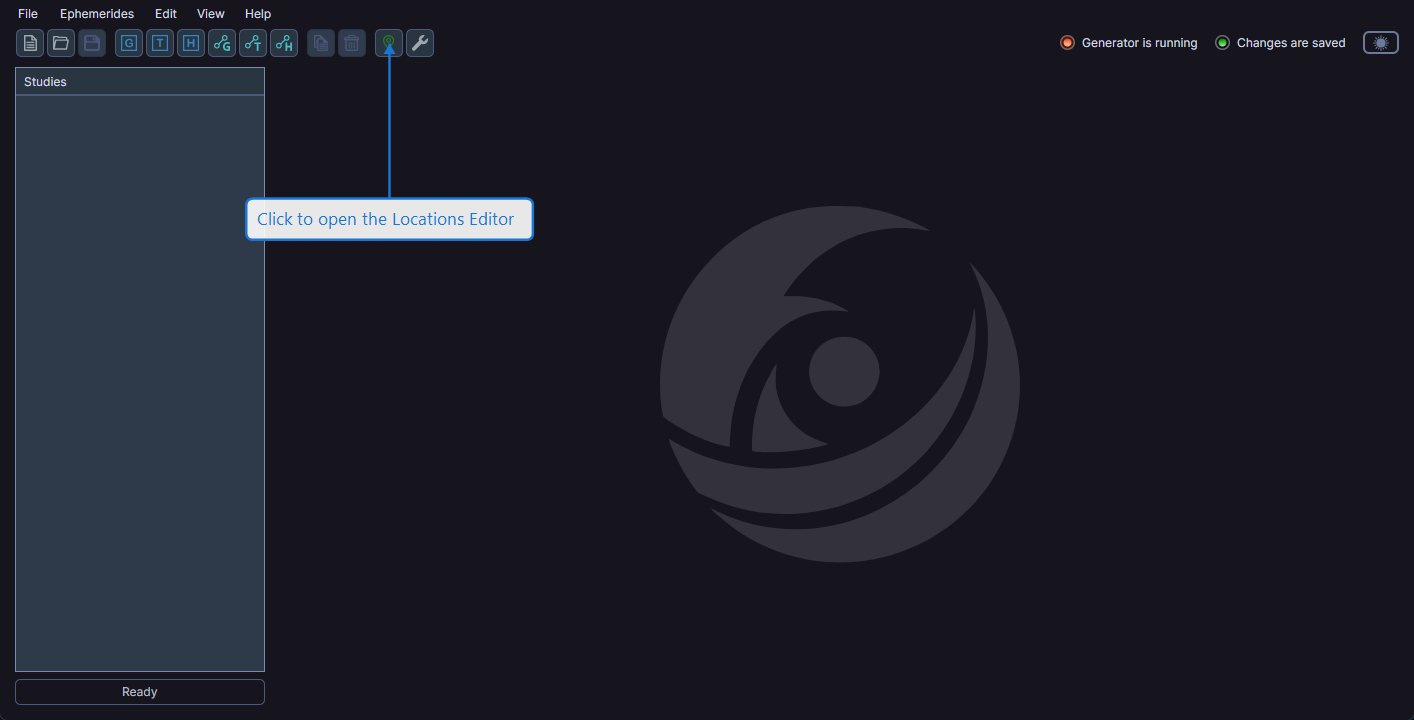
The Locations Editor dialog opens for managing the shared locations database.
Managing Locations
The Locations Editor provides a database of geographic locations. Locations you add or modify in the editor become available in the Location dropdown for all studies across all workspaces.
info
The locations database is shared across all workspaces. Changes you make in the Locations Editor apply everywhere the Location dropdown appears.